Matter Smart Lighting in 2026: Bulbs, Switches, Hubs, and What Still Breaks
A practical 2026 guide to Matter smart lighting: when to use bulbs, switches, hubs, and Thread, plus the reliability problems buyers should still plan around.

Matter Smart Lighting: The Short Answer
Matter smart lighting is finally useful enough for normal homeowners in 2026, but it is not magic. It improves cross-platform compatibility between Apple Home, Amazon Alexa, Google Home, Samsung SmartThings, and Home Assistant. It does not automatically fix weak Wi-Fi, bad switch choices, cheap LED drivers, overloaded networks, or rooms where guests cannot figure out how to turn on a light.
The best Matter smart lighting setup starts with the room, not the gadget. Use smart bulbs where color, scenes, tunable white, or lamp control matter. Use smart switches or dimmers where one wall control should manage a ceiling circuit. Use hubs, Thread border routers, or bridges when they make the system more reliable instead of more complicated. Keep manual controls available because lighting is infrastructure, not entertainment.
Energy still matters too. The U.S. Department of Energy says residential LEDs use at least 75% less energy than incandescent lighting and can last up to 25 times longer. ENERGY STAR certified bulbs are tested against performance requirements for brightness, efficiency, color, and lifetime claims. Smart features can add savings when schedules, dimming, occupancy routines, or daylight behavior reduce wasted runtime, but a connected light left on all night is still wasted energy.
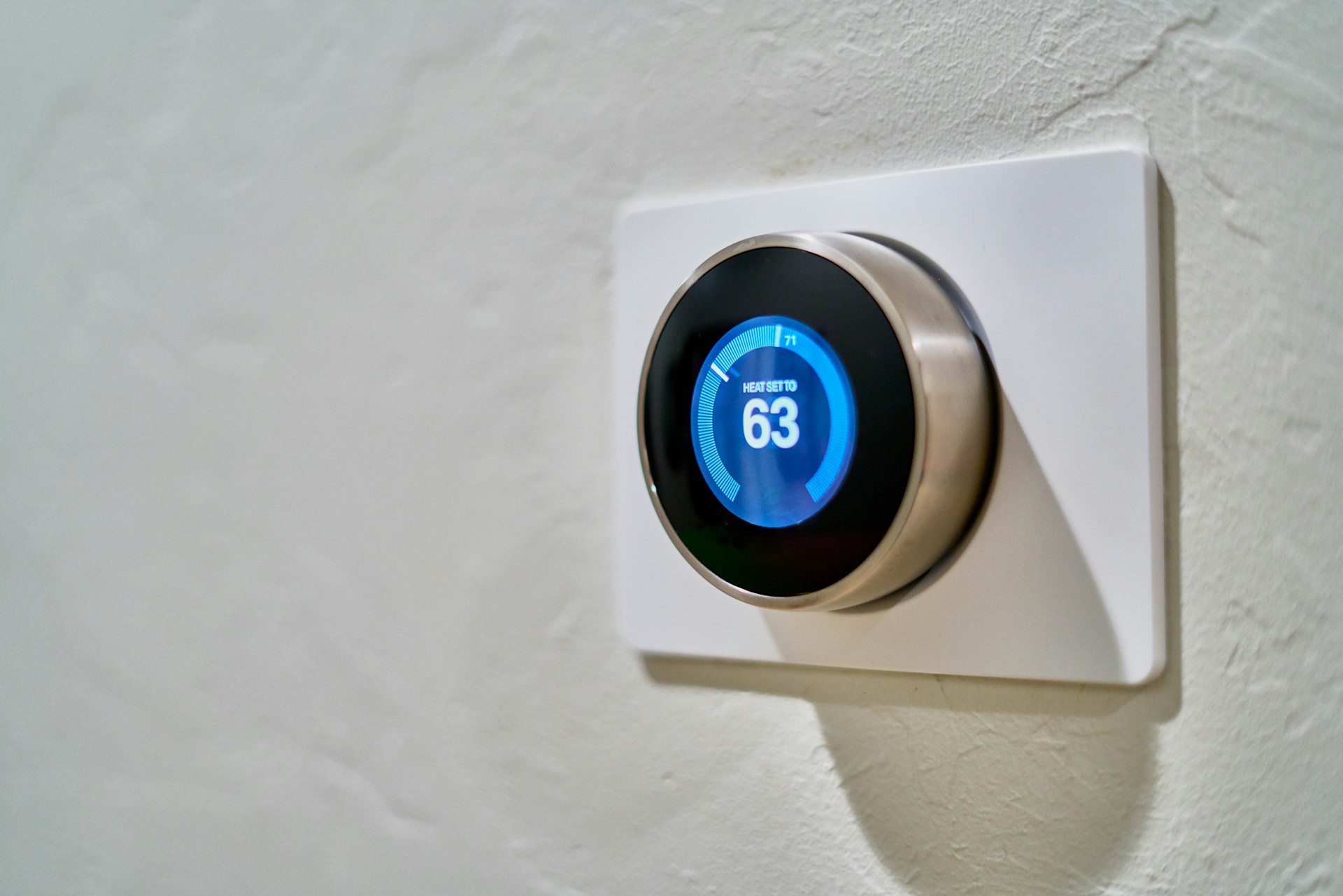
What Matter Actually Improves
Matter is a common smart-home standard. For lighting buyers, the promise is simple: fewer products locked to one ecosystem and fewer awkward bridges between brands. A Matter bulb or switch can often be added to more than one major platform, which matters when one person uses an iPhone, another uses Alexa speakers, and the household also wants Google voice control or Home Assistant automations.
That is a real improvement over the old smart-lighting mess. For years, buyers had to decode whether a bulb worked with HomeKit, Alexa, Google, Zigbee, Z-Wave, Wi-Fi, Bluetooth, a brand-specific hub, or a cloud account that might disappear. Matter does not erase every setup step, but it gives buyers a better compatibility baseline.
The practical benefits are strongest when you want:
- One lighting product visible in multiple smart-home apps
- Local control options instead of cloud-only behavior
- Easier setup through QR codes and standardized pairing
- Less dependence on one brand's app for daily use
- A cleaner path for mixed homes with Apple, Alexa, Google, and Home Assistant
Matter is especially useful during renovation or whole-room upgrades because it lets you choose lighting controls around the room's needs instead of around a single ecosystem. Our [smart lighting renovation guide](/blog/smart-lighting-renovation-guide) covers that planning step in more detail.
Smart Bulbs, Smart Switches, or Both?
Most smart lighting mistakes come from choosing bulbs when the room needed switches, or choosing switches when the room needed color control.
Smart bulbs are best for lamps, accent fixtures, color scenes, tunable white, and rooms where each light should behave independently. They are also useful when you cannot change wiring, such as in rentals or temporary spaces. A Matter bulb in a bedside lamp can dim warm at night, turn on gently in the morning, and join room scenes without touching electrical wiring.
Smart switches and dimmers are better for hardwired ceiling lights, recessed lighting, multi-bulb fixtures, hallways, bathrooms, kitchens, and rooms where people naturally expect a wall control. If a wall switch cuts power to smart bulbs, those bulbs can disconnect and automations can fail. A smart switch keeps the wall behavior familiar while adding schedules, scenes, voice control, and automation.
Use both only when the room truly needs both. For example, a living room might use a smart dimmer for recessed lights and Matter bulbs in two lamps. The switch handles general lighting. The bulbs handle evening scenes. That is cleaner than replacing every ceiling lamp with individual smart bulbs and hoping nobody touches the switch.
Where Hubs and Thread Still Matter
Matter is the language. The network still matters.
Some Matter lighting products use Wi-Fi. Others use Thread, a low-power mesh network designed for smart-home devices. Thread devices usually need a Thread border router, which may be built into products such as smart speakers, displays, routers, or hubs. Some lighting brands still use bridges for Zigbee or brand-specific features, even if they expose devices to Matter.
Do not judge the system by whether it has a hub. Judge it by reliability. A small apartment with five Wi-Fi bulbs may not need a separate hub. A larger home with dozens of devices may be better served by Thread, Zigbee through a bridge, or a thoughtfully placed smart-home hub than by piling every bulb onto Wi-Fi.
Hubs can also preserve features. Some brands expose basic on/off and dimming through Matter but keep advanced scenes, effects, adaptive lighting behavior, or firmware settings inside their own app or bridge. That does not make the product bad, but it means buyers should check which features Matter actually exposes before buying a full set.
Why Some Smart Lights Still Disconnect
Matter improves compatibility, not physics. Smart lights still fail when the network is weak, the device is underpowered, the switch cuts power, firmware is buggy, or the system depends on a cloud service during an outage.
The most common causes are simple:
- Wall switches turning smart bulbs fully off
- Wi-Fi bulbs placed far from the router
- Too many 2.4 GHz devices competing on a crowded network
- Poor Thread border router placement
- Firmware updates that fix one issue and create another
- Cheap drivers that flicker, buzz, or dim poorly
- Automations built across too many apps at once
Start troubleshooting with power and placement. If a smart bulb disappears, confirm the fixture has constant power. If a Thread device is slow, check whether the mesh has enough powered devices to route traffic. If Wi-Fi bulbs fail in one part of the house, the issue may be signal quality, not the bulbs.
Also separate connectivity from light quality. A bulb can pair perfectly and still have poor color, weak dimming, or visible flicker. IEEE 1789 is the technical reference lighting professionals often cite when discussing recommended practices for modulating current in high-brightness LEDs. For homeowners, the practical move is to avoid bargain products with vague specs, test dimming at low levels, and return lights that flicker or buzz.
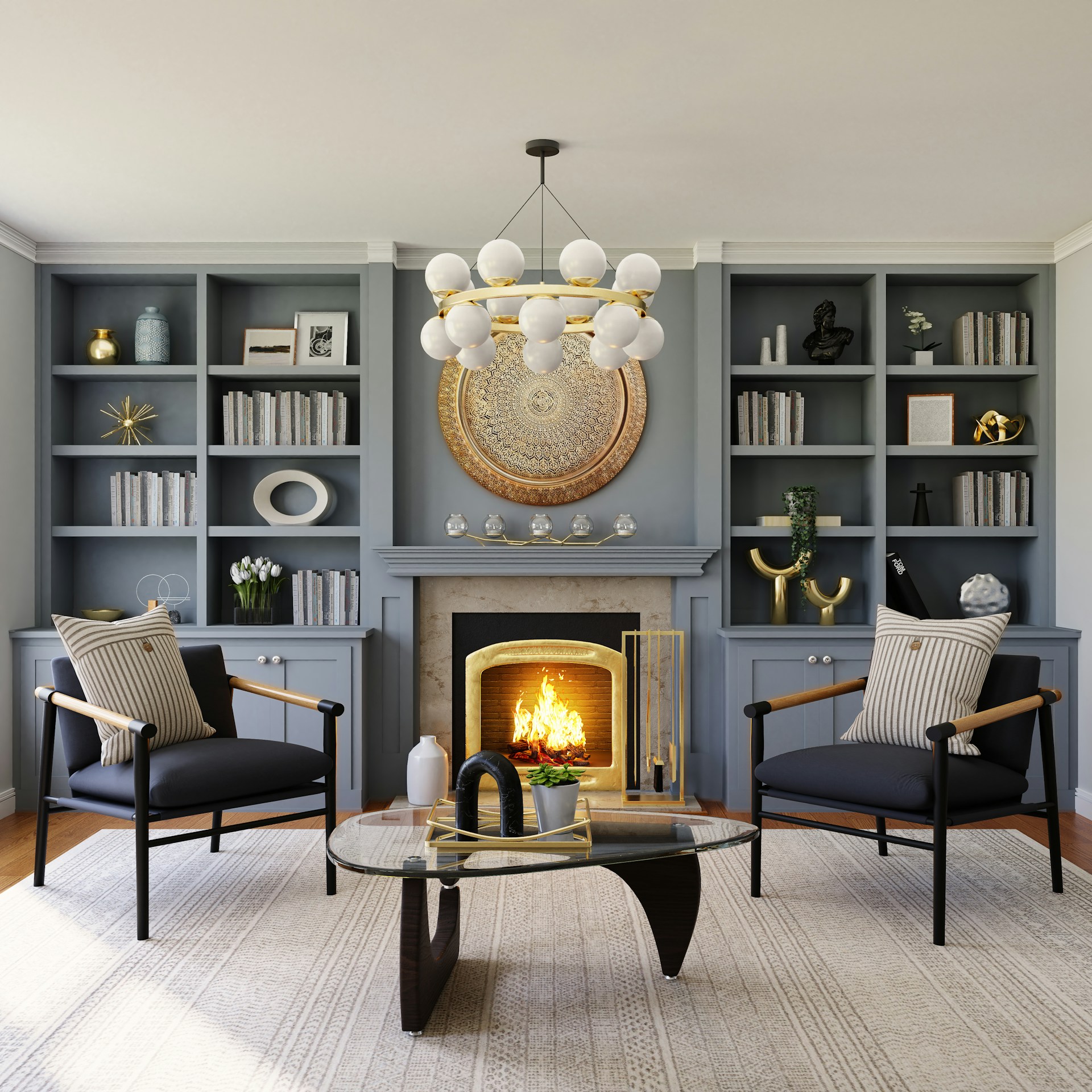
What to Check Before Buying Matter Lighting
Before buying one bulb, decide what the room needs to do. Is the goal energy savings, better dimming, color scenes, voice control, security routines, accessibility, or simply not walking into a dark hallway? The answer changes the product.
Check these specs and design details:
- Matter support: confirm the device supports Matter now, not only through a vague future update.
- Network type: Wi-Fi, Thread, bridge-based, or another path into Matter.
- Platform support: Apple Home, Alexa, Google Home, SmartThings, Home Assistant, or your preferred controller.
- Manual control: make sure people can use the lights without a phone.
- Dimming behavior: verify smooth dimming without buzz or flicker.
- Brightness: compare lumens, not old watt replacement language.
- Color temperature: choose warm white, tunable white, or full color based on the room.
- ENERGY STAR: use certified bulbs where available for tested performance claims.
- Fixture rating: enclosed, damp, wet, recessed, and outdoor fixtures need suitable products.
- Privacy and account needs: check whether the brand app or cloud account is required for advanced features.
For basic bulb buying, see our guide to [lumens, CRI, and color temperature](/blog/understanding-lumens-cri-color-temperature). For energy math, our [smart LED lighting energy savings guide](/blog/smart-led-lighting-energy-savings-2026) explains when automation actually lowers the bill.
A Room-by-Room Matter Lighting Plan
In living rooms, combine a smart dimmer for overhead lights with smart bulbs in lamps. This gives reliable wall control and better evening scenes. Use warm dim settings at night instead of full brightness.
In bedrooms, use Matter bulbs for bedside lamps if wake routines, warm dimming, or voice control are valuable. Keep ceiling lights simple and switch-friendly. A bedroom should not require an app when someone wakes up in the dark.
In kitchens, prioritize reliable task lighting and dimmable zones. Smart switches usually beat smart bulbs for recessed cans and under-cabinet circuits. Color effects matter less than clean white light, good color rendering, and easy control.
In bathrooms, choose reliable LEDs with good color rendering around mirrors. Smart motion routines can be useful for low nighttime light, but avoid setups that make the main lights slow or confusing.
For exterior lights, smart switches, schedules, and motion routines can reduce wasted runtime and improve security. Use outdoor-rated products. If a porch light runs every night, automated dusk-to-dawn behavior can save more than a color-changing bulb ever will.
Bottom Line
Matter smart lighting is worth considering in 2026 because it reduces ecosystem lock-in and makes mixed smart homes easier to manage. But the best result still comes from basic lighting discipline: choose bulbs for lamps and scenes, switches for wall-controlled circuits, hubs or Thread where they improve reliability, and credible LED products with good dimming and comfort.
Do not make every socket smart just because you can. Upgrade the rooms where automation, dimming, schedules, or better control will actually change daily behavior. Keep manual controls obvious. Check lumens, color temperature, ENERGY STAR certification, fixture ratings, and flicker behavior before buying in bulk.
Matter makes smart lighting easier. Good planning makes it reliable.
Sources
- [U.S. Department of Energy: LED Lighting](https://www.energy.gov/energysaver/led-lighting)
- [ENERGY STAR: Light Bulbs](https://www.energystar.gov/products/light_bulbs)
- [IEEE Std 1789-2015: Recommended Practices for Modulating Current in High-Brightness LEDs](https://standards.ieee.org/standard/1789-2015.html)
FAQ
Is Matter worth it for smart lighting?
Yes, if you want smart lights that work across major platforms such as Apple Home, Alexa, Google Home, SmartThings, or Home Assistant. Matter is most useful when you want flexibility instead of being locked into one ecosystem.
Are Matter smart bulbs better than smart switches?
Neither is automatically better. Matter smart bulbs are best for lamps, color, scenes, and tunable white. Smart switches are usually better for ceiling lights, recessed lighting, and circuits where people expect wall control.
Do Matter lights need a hub?
Some do and some do not. Wi-Fi Matter lights may connect directly, while Thread devices need a Thread border router. Some brands still use bridges for advanced features or to connect older lighting products.
Why do Matter smart lights still disconnect?
Common causes include weak Wi-Fi, poor Thread mesh coverage, wall switches cutting power to smart bulbs, firmware issues, crowded 2.4 GHz networks, and automations split across too many apps.
Do Matter smart lights save energy?
They can save energy when schedules, dimming, motion routines, or daylight behavior reduce wasted runtime. The biggest baseline savings still comes from efficient LED technology itself.
Related Articles

Smart Ceiling Fan Light Control: Wall Switches vs Remotes for New Builds
Smart ceiling fan light control is easiest to get right before drywall closes. This guide explains when to wire separate wall controls, when a remote still makes sense, and how to avoid dimming, flicker, and smart-home headaches.

DALI-2 Smart Lighting Explained: What It Means for Modern LED Systems
DALI-2 smart lighting gives LED systems a more reliable way to handle dimming, sensors, scenes, emergency lighting, and building-wide control. Here is what buyers should know before choosing it over basic smart bulbs or switches.