Smart LED Bulbs vs Smart Switches: Which Upgrade Saves More Energy?
Smart bulbs and smart switches can both reduce lighting waste, but they save energy in different rooms. Use this guide to choose the setup that lowers runtime, avoids standby waste, and still feels natural to use.

Smart LED Bulbs vs Smart Switches: The Short Answer
Smart LED bulbs vs smart switches is not really a gadget debate. It is an energy-use debate. The upgrade that saves more is the one that reduces wasted runtime, lowers average brightness, and keeps people from bypassing the system.
Smart bulbs are usually best for lamps, accent lights, bedrooms, renter-friendly setups, color scenes, and small zones where each bulb needs individual control. Smart switches are usually better for ceiling fixtures, multi-bulb rooms, hallways, kitchens, offices, classrooms, and commercial spaces where the wall control should remain the main interface.
The U.S. Department of Energy says LED lighting uses at least 75% less energy and lasts up to 25 times longer than incandescent lighting. ENERGY STAR certification helps buyers identify tested bulbs and fixtures. IEEE 1789 matters because dimming and driver quality can affect flicker. So the best answer is not "buy the smartest device." It is: use efficient LEDs first, then choose the control method that changes real behavior without creating friction.
How Each Upgrade Actually Saves Energy
A smart bulb saves energy in two ways. First, it is an LED, so it uses much less electricity than an incandescent or halogen bulb for the same useful light output. Second, it can dim, follow schedules, turn off automatically, or shift scenes so the bulb is not running at full output longer than needed.
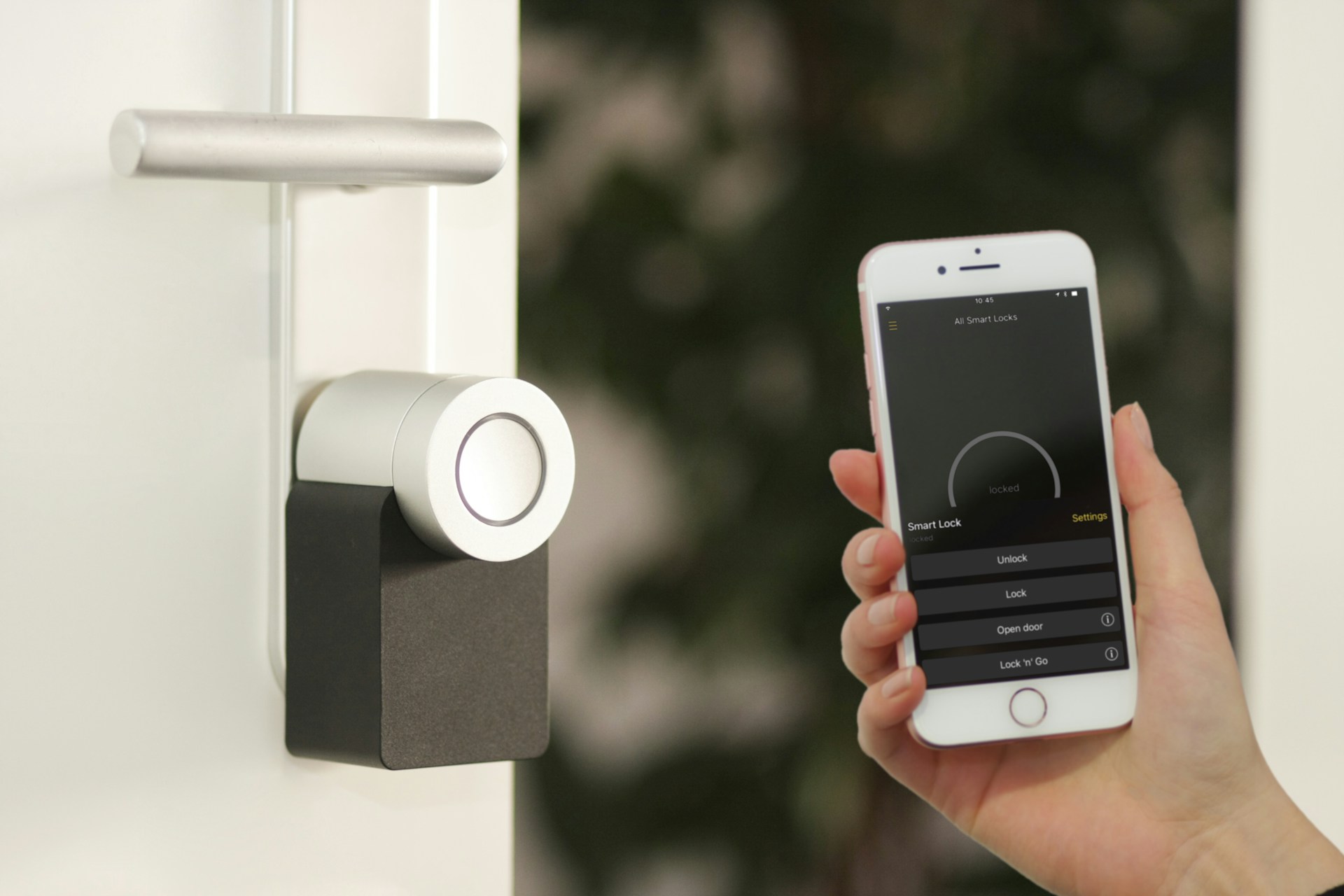
A smart switch saves energy differently. It controls the circuit. That means one switch can manage several LED bulbs or fixtures at once. In a room with six recessed lights, one smart dimmer may be more practical than six connected bulbs. If the switch keeps normal wall behavior intact, people are more likely to use it correctly.
Both devices may use small standby power. Smart bulbs need a little power so the radio can listen for commands. Smart switches also need electronics powered in the wall box. For most homes, the standby draw is less important than runtime reduction. For large commercial spaces or dozens of devices, it is worth checking product specs and choosing controls only where they reduce real waste.
If you are still replacing older sources, start with the basics in our [LED lighting energy savings calculator](/blog/led-lighting-energy-savings-calculator-real-payback). Controls improve the savings case, but efficient lamps and fixtures are the foundation.
When Smart Bulbs Save More
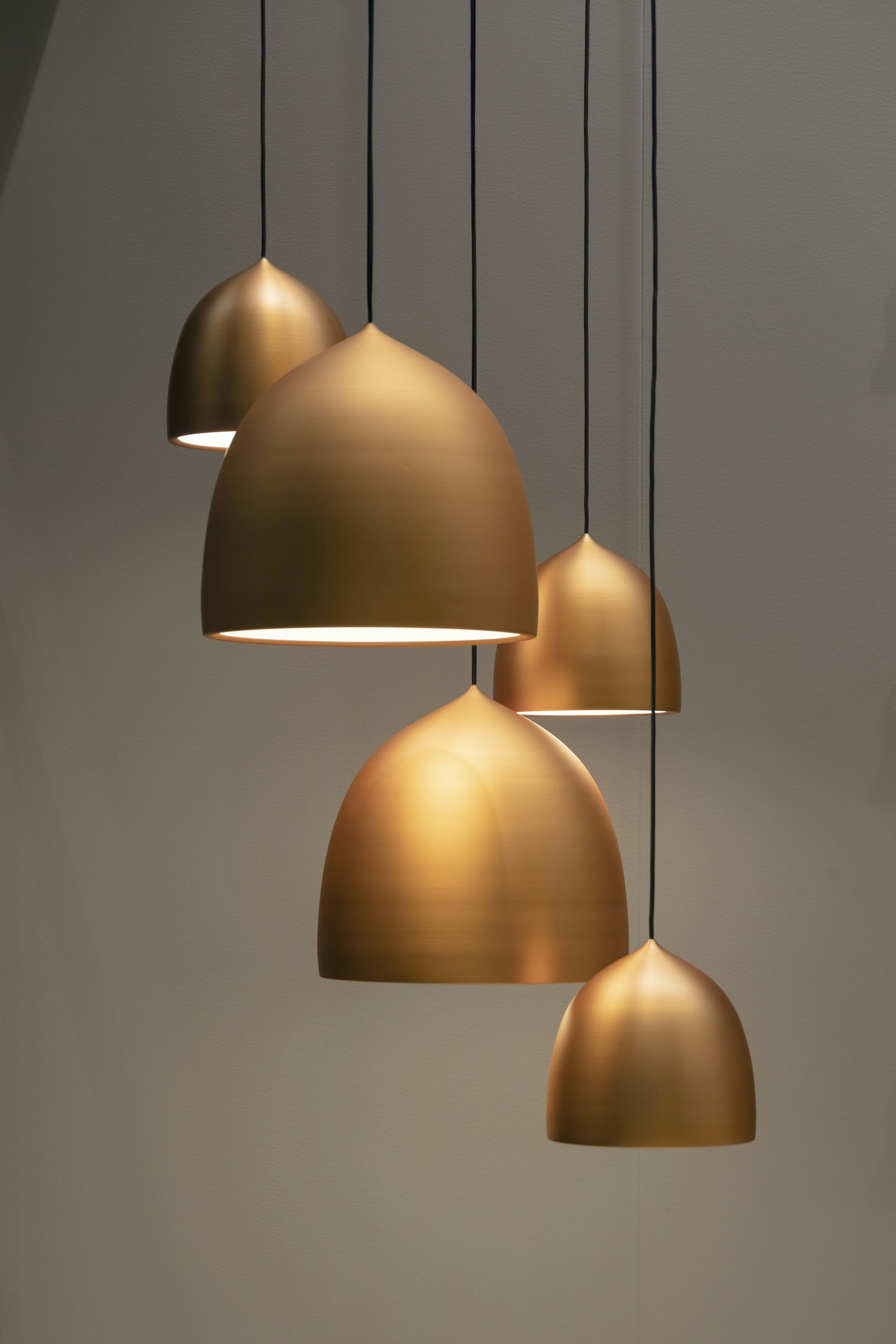
Smart bulbs win when the bulb itself needs flexible behavior. Table lamps, floor lamps, plug-in pendants, bedside lights, and accent fixtures are the strongest examples. These are usually single-bulb or small-zone applications where wall wiring is not the main issue.
Bedrooms are a good fit. A pair of smart bulbs can dim gradually at night, run a warm low-output scene, and turn off automatically after a routine. Living rooms can also benefit because lamps often create the comfortable light people actually use in the evening. Lowering those lamps to 30% or 40% can reduce energy while improving the room.
Smart bulbs are also helpful for renters. Replacing a switch may not be allowed, but swapping a bulb is simple. Outdoor porch fixtures can work well too, as long as the bulb is rated for the location and the wireless connection is reliable.
Color and tunable white are another reason to choose bulbs. A smart switch cannot make an ordinary bulb change from warm white to cool white. If circadian-friendly scenes, color accents, or individual bulb grouping matter, smart bulbs are the better tool.
The weakness is human behavior. If someone turns off the wall switch, the bulb loses power and schedules stop working. That is why smart bulbs are strongest in lamps or fixtures where people can leave the physical switch on without confusion.
When Smart Switches Save More
Smart switches usually save more in fixed lighting zones. Kitchens, hallways, dining rooms, bathrooms, garages, laundry rooms, offices, classrooms, and conference rooms often have lights controlled by a wall switch. People expect that switch to work. A smart switch keeps that habit intact while adding schedules, dimming, timers, occupancy routines, or app control.
Multi-bulb rooms are the clearest case. If a ceiling fixture has five lamps, replacing each lamp with a smart bulb can be expensive and fragile. One smart dimmer controlling five compatible LED bulbs is often cleaner. The switch is always available, guests understand it, and the circuit can still run automatic shutoff or lower default brightness.
Commercial spaces lean even harder toward switches and controls. A warehouse aisle, office corridor, restroom, break room, storage room, or small retail zone needs reliable control more than individual color scenes. For bigger buildings, networked lighting controls may go beyond switches, but the principle is the same: control the zone in a way occupants and facility teams can maintain.
Smart switches can also prevent the "offline bulb" problem. Because power stays managed at the wall, the system behaves more like normal lighting. The main tradeoff is installation. Many smart switches need a neutral wire, compatible load, correct dimmer type, and proper wiring. Multi-way circuits require extra care.
For commercial planning, our guide to [lighting controls rebates in 2026](/blog/lighting-controls-rebates-2026-commercial-led-upgrades) explains why controls, documentation, and commissioning can affect project economics.
Multi-Bulb Rooms: The Decision Point
Multi-bulb rooms are where the choice becomes obvious. Count the bulbs and ask how people use the switch.
If the room has one or two lamps used for mood lighting, smart bulbs make sense. If the room has six recessed lights on one switch, a smart dimmer usually makes more sense. If the room has several lighting layers, use a mixed approach: smart switch for recessed general lighting, smart bulbs or smart plugs for lamps and accent lights.
The savings difference comes from consistency. A system that people understand will keep saving energy. A system that confuses guests, disconnects when switches are flipped, or requires an app for basic control will eventually be bypassed.
Also consider replacement cost. Smart bulbs cost more per socket. If one room needs many bulbs, the control cost can multiply quickly. A good switch or dimmer may cost more upfront than one bulb, but it can control the whole circuit.
Standby Power: Does It Matter?
Smart LEDs do use standby power, but the practical impact depends on scale. One or two bulbs waiting for commands will not usually change the bill in a meaningful way. Dozens of connected bulbs, switches, bridges, and sensors deserve more attention.
The better question is whether the smart device offsets its standby load by reducing runtime or brightness. A porch light that stops running during daylight easily justifies its small standby draw. A hallway light that shuts off after five minutes instead of staying on for hours can do the same. A smart bulb used exactly like a normal LED, always at full brightness for the same hours, adds little energy value.
Buyers should look for efficient LED products, good standby specs when available, and certifications such as ENERGY STAR where relevant. More importantly, they should avoid installing smart controls in low-use areas where the automation cannot pay for itself. Closets, storage corners, and rarely used lamps often do fine with ordinary LEDs.
Dimming, Flicker, and Comfort
Energy savings are not useful if the lighting becomes unpleasant. Dimming is one of the biggest benefits of smart bulbs and smart switches, but it is also where compatibility problems show up.
Smart bulbs usually dim internally. They often should not be connected to old wall dimmers unless the manufacturer allows it. Smart switches and dimmers need compatible LED bulbs or fixtures. Bad combinations can flicker, buzz, shimmer, drop out at low levels, or fail to turn on cleanly.
IEEE 1789 is commonly referenced for recommended practices around modulating current in high-brightness LEDs. Homeowners do not need to become lighting engineers, but they should test the exact bulb, fixture, and dimmer combination before scaling. Businesses should test a representative area before buying for the entire building.
Comfort also includes color temperature and glare. Warm light around 2700K often works best in living rooms and bedrooms. Neutral white around 3000K to 3500K may fit kitchens, offices, and bathrooms. Higher output is not always better. Lower default scenes can cut energy and make rooms easier to live in.
For more buying basics, see [understanding lumens, CRI, and color temperature](/blog/understanding-lumens-cri-color-temperature).
Best Setup for Homes
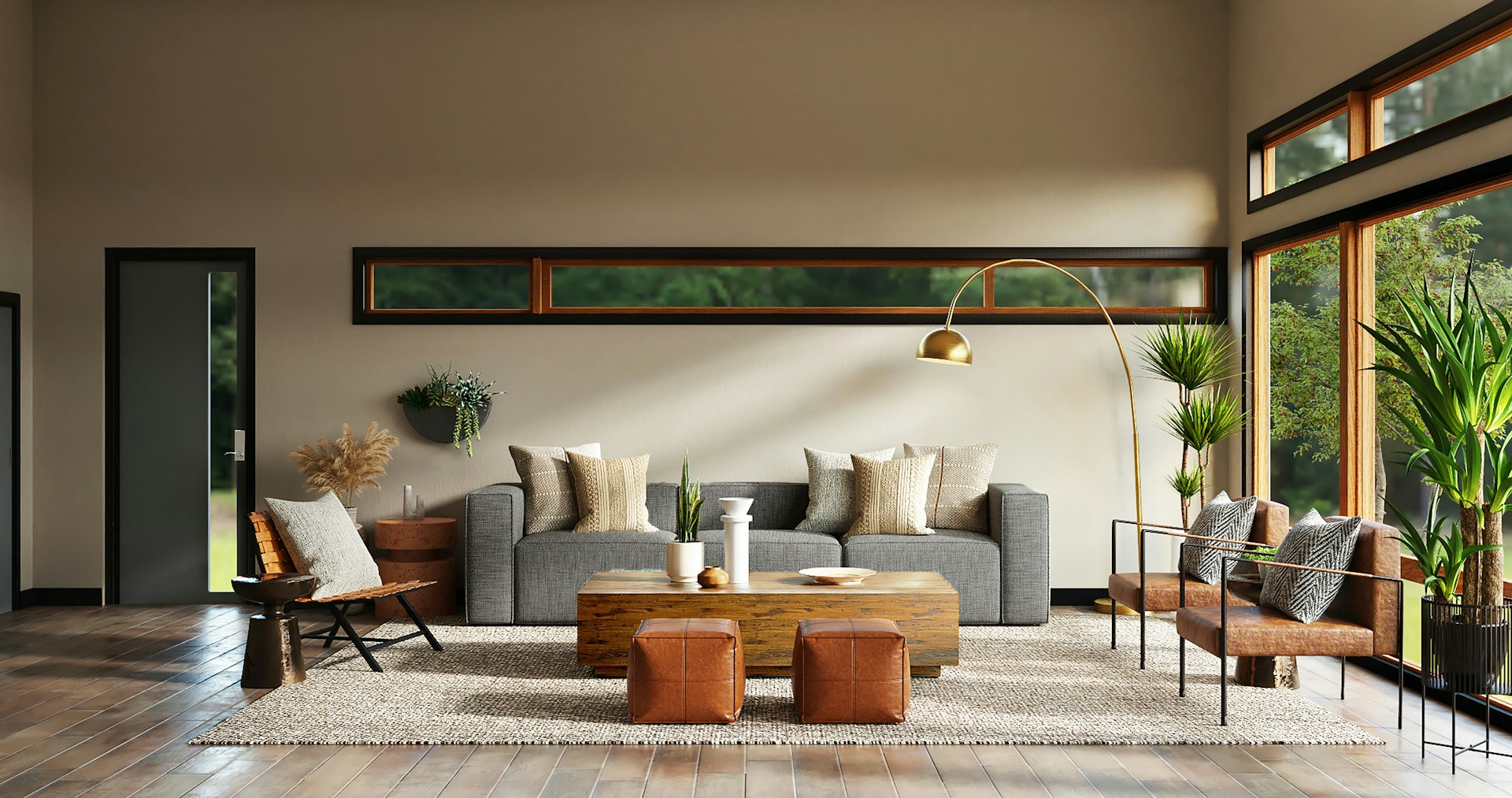
Most homes should not choose only bulbs or only switches. The best setup is mixed.
Use smart bulbs for lamps, bedrooms, accent lights, color scenes, and places where wiring changes are not worth it. Use smart switches or smart dimmers for ceiling fixtures, hallways, kitchens, bathrooms, and multi-bulb circuits. Use ordinary ENERGY STAR LEDs in low-use spaces where smart control adds little value.
Start with one room. Confirm that the switch behavior feels natural, dimming is smooth, schedules work, and nobody keeps defeating the system. Then expand by room type. This is cheaper than replacing everything at once and discovering that half the house behaves awkwardly.
For renovation projects, plan controls before walls are closed. Our [smart lighting renovation guide](/blog/smart-lighting-renovation-guide) covers wiring, backup control, and protocol decisions in more detail.
Best Setup for Commercial Spaces
Commercial spaces should think in zones. A private office, open office, warehouse aisle, restroom, storage room, classroom, lobby, and parking area all have different runtime patterns. The right control is the one that reduces waste without interrupting work.
Smart switches may be enough for small offices and simple rooms. Occupancy sensors, vacancy sensors, daylight harvesting, dimming schedules, and networked lighting controls make more sense as buildings get larger. The savings are strongest where lights run long hours, areas are often empty, or fixtures are brighter than needed.
Documentation matters. Facility teams should keep fixture schedules, control settings, product specs, commissioning notes, and rebate paperwork. That prevents future maintenance work from accidentally undoing the savings.
Bottom Line
Smart bulbs save more when you need individual bulb behavior, renter-friendly installation, lamp control, color scenes, or tunable white. Smart switches save more when one control should manage a circuit, especially in multi-bulb rooms and commercial zones.
For energy savings, the winning setup is the one people actually use: efficient LEDs, lower default brightness, schedules that match real occupancy, sensors where they make sense, and controls that do not make ordinary lighting harder.
Sources
- [U.S. Department of Energy: LED Lighting](https://www.energy.gov/energysaver/led-lighting)
- [ENERGY STAR: Light Bulbs](https://www.energystar.gov/products/light_bulbs)
- [IEEE Std 1789-2015: Recommended Practices for Modulating Current in High-Brightness LEDs](https://standards.ieee.org/standard/1789-2015.html)
FAQ
Are smart bulbs or smart switches better for saving energy?
Smart switches are often better for multi-bulb rooms because one control manages the whole circuit. Smart bulbs are better for lamps, accent lighting, color scenes, and small zones where individual control matters.
Do smart LEDs use power when off?
Yes, smart LEDs use a small amount of standby power so they can receive commands. The impact is usually small, but the smart feature should still reduce runtime or brightness enough to be worthwhile.
When should I use a smart switch instead of smart bulbs?
Use a smart switch when a wall switch controls several fixtures, when guests need normal controls, or when a room should keep working even without app control.
Can smart switches cause LED flicker?
Yes. Flicker can happen when the dimmer, driver, fixture, or bulb is incompatible. Test the exact combination before installing it across multiple rooms.
What is best for commercial LED energy savings?
Commercial spaces usually benefit from zone-based controls: smart switches for simple rooms, occupancy or vacancy sensors for intermittent spaces, daylight harvesting near windows, and networked controls for larger buildings.
Related Articles

Energy Efficient LED Lighting: How to Cut Costs as Power Prices Rise
Energy efficient LED lighting is still one of the fastest practical upgrades for homes and businesses facing higher electricity costs. Here is how to compare savings, specs, controls, and product claims before buying.

Networked Lighting Controls: How Commercial Buildings Save More Energy
Networked lighting controls can turn an LED retrofit into a managed energy system. This guide explains how sensors, scheduling, daylight response, and commissioning help commercial buildings save more than LEDs alone.