Smart Lighting During Renovation: Matter, Zigbee, Wall Switches, and Backup Controls Explained
Renovating is the best time to get smart lighting right. Learn when to use smart switches, smart bulbs, Matter, Zigbee, neutral wires, dimmers, and backup controls before the drywall closes.

Smart Lighting Renovation Guide: The Short Answer
If you are renovating in 2026, the best smart lighting plan is usually smart switches for hardwired ceiling lights, smart bulbs or strips for accent lighting, and a manual backup control in every important room. Matter is the safest interoperability target for new purchases, Zigbee is still excellent for reliable whole-home lighting, and Wi-Fi is fine for small zones if your router can handle it.
The biggest mistake is treating smart lighting like a gadget decision instead of an electrical plan. During renovation, you get one rare chance to fix switch placement, neutral wires, fixture grouping, dimmer compatibility, and backup controls before drywall closes. A smart bulb can be replaced later. Bad wiring is expensive forever.
The U.S. Department of Energy says LED lighting uses at least 75% less energy and lasts up to 25 times longer than incandescent lighting. ENERGY STAR adds performance requirements for certified bulbs and fixtures, including light output, color quality, and lifetime claims. Those fundamentals still matter more than app features. Smart controls add value by reducing wasted runtime, improving comfort, and making the lighting easier to use.
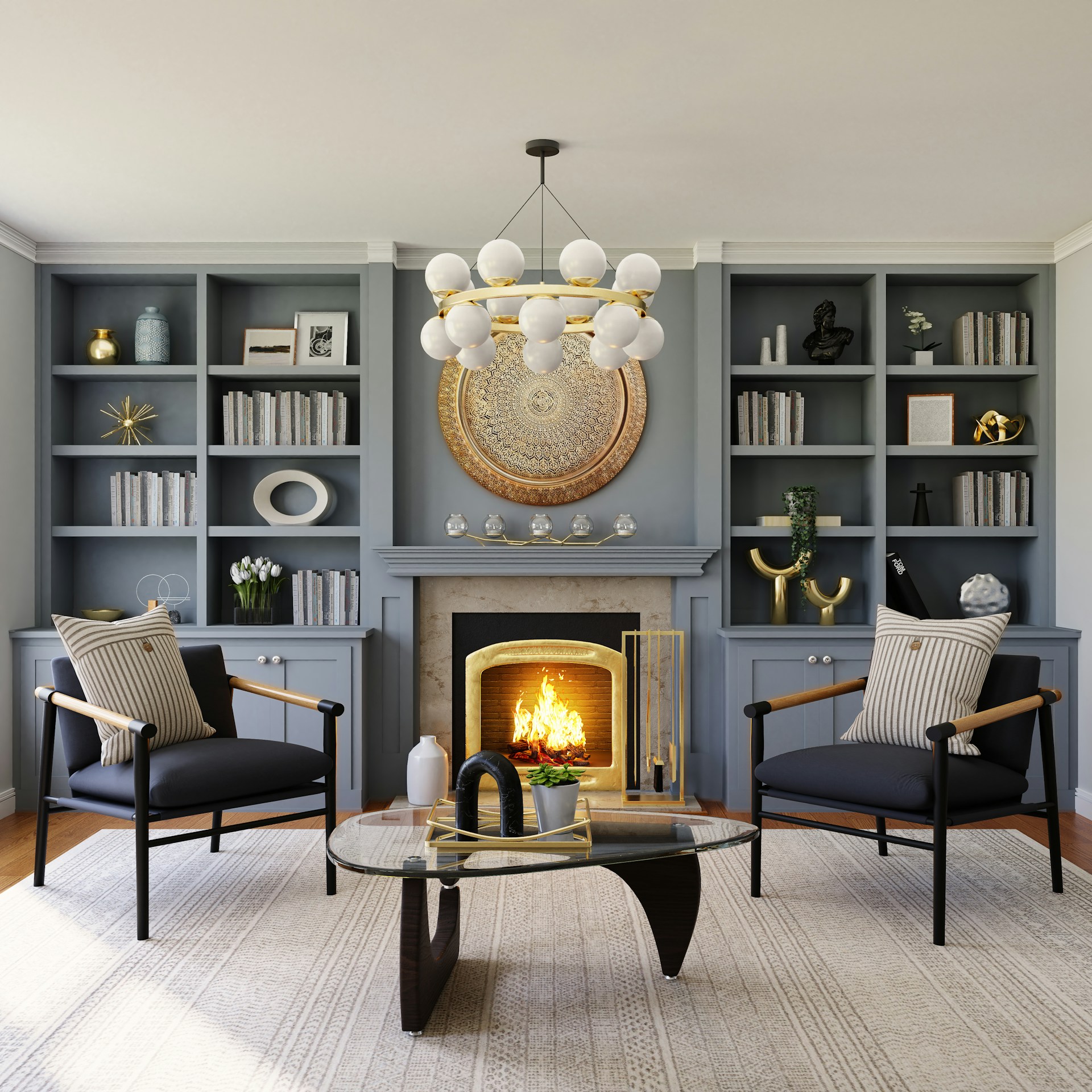
Start With the Wiring Plan, Not the App
Before choosing Apple Home, Google Home, Alexa, SmartThings, Home Assistant, Hue, Lutron, or another system, map how people will physically use each room. Where do they enter? Which lights need to turn on instantly? Which fixtures should dim together? Which lights need to work when guests, kids, cleaners, or future buyers have no idea what app controls the house?
For renovation, keep this rule: every main light should still work from a normal-looking wall control. Smart lighting should make the home better, not more fragile.
Ask your electrician to confirm neutral wires in every smart-switch box. Many smart switches need a neutral conductor for constant power. Some no-neutral smart dimmers exist, but they can be more sensitive to minimum load, bulb type, and flicker. If walls are open, adding neutrals now is cheaper than working around missing neutrals later.
Also decide load groups before buying devices. A kitchen might need separate circuits or switch legs for recessed downlights, island pendants, under-cabinet strips, and pantry lights. A living room may need overhead fixtures separated from sconces and cove lighting. Smart control works best when the electrical groupings match real-life scenes.
Smart Bulb vs Smart Switch: Which Goes Where?
Use smart switches or smart dimmers for primary ceiling lighting, recessed cans, bathrooms, hallways, exterior lights, and any fixture controlled by a wall switch. This keeps manual control available and prevents the classic smart-bulb problem: someone turns the switch off, and the bulb disappears from the app.
Use smart bulbs where individual color or tunable white matters: lamps, bedrooms, kids' rooms, reading corners, and decorative fixtures. Smart bulbs are also great for renters or for plug-in fixtures that are not hardwired.
Use smart LED strips for under-cabinet lighting, toe kicks, shelves, coves, media walls, and accent lighting. During renovation, run low-voltage wiring and hide power supplies in accessible locations. Do not bury LED strip power supplies behind drywall. Drivers fail eventually, and future you will not enjoy cutting holes to replace one.
A good renovation plan often combines all three:
- Smart dimmer for recessed ceiling lights
- Hardwired or plug-in smart driver for under-cabinet LED strips
- Smart bulbs in table lamps for evening scenes
- Motion or presence sensor for utility spaces
- Physical keypad or scene controller near the main entrance
Matter, Zigbee, Thread, Wi-Fi: What to Choose During Renovation
Matter is the safest label when you want cross-platform compatibility. It is backed by Apple, Google, Amazon, Samsung, and many device manufacturers. Matter does not guarantee perfection, but it reduces the risk of buying lighting that only works well inside one company's app.
Thread is a low-power mesh network used by many Matter devices. It can improve response time and reliability, but it requires a Thread border router such as a compatible Apple TV, HomePod, Google Nest, Eero, or SmartThings hub. Thread makes the most sense when you already have border routers placed around the home.
Zigbee is still one of the best lighting protocols for whole-home projects. Philips Hue, IKEA, Aqara, and many other systems use Zigbee because it creates a dedicated mesh separate from Wi-Fi. If you want dozens of bulbs, sensors, and remotes, Zigbee often feels more stable than cheap Wi-Fi bulbs.
Wi-Fi is easiest for small setups. A few smart switches or bulbs can work perfectly on Wi-Fi. The problem starts when a renovation adds 40, 60, or 100 connected devices to an ordinary router. If you choose Wi-Fi lighting at scale, upgrade the network first and separate IoT devices from work laptops, cameras, and streaming devices.
Our recommendation: use Matter where available, prefer local-control systems for critical lighting, and do not overload Wi-Fi just because the devices are cheaper.
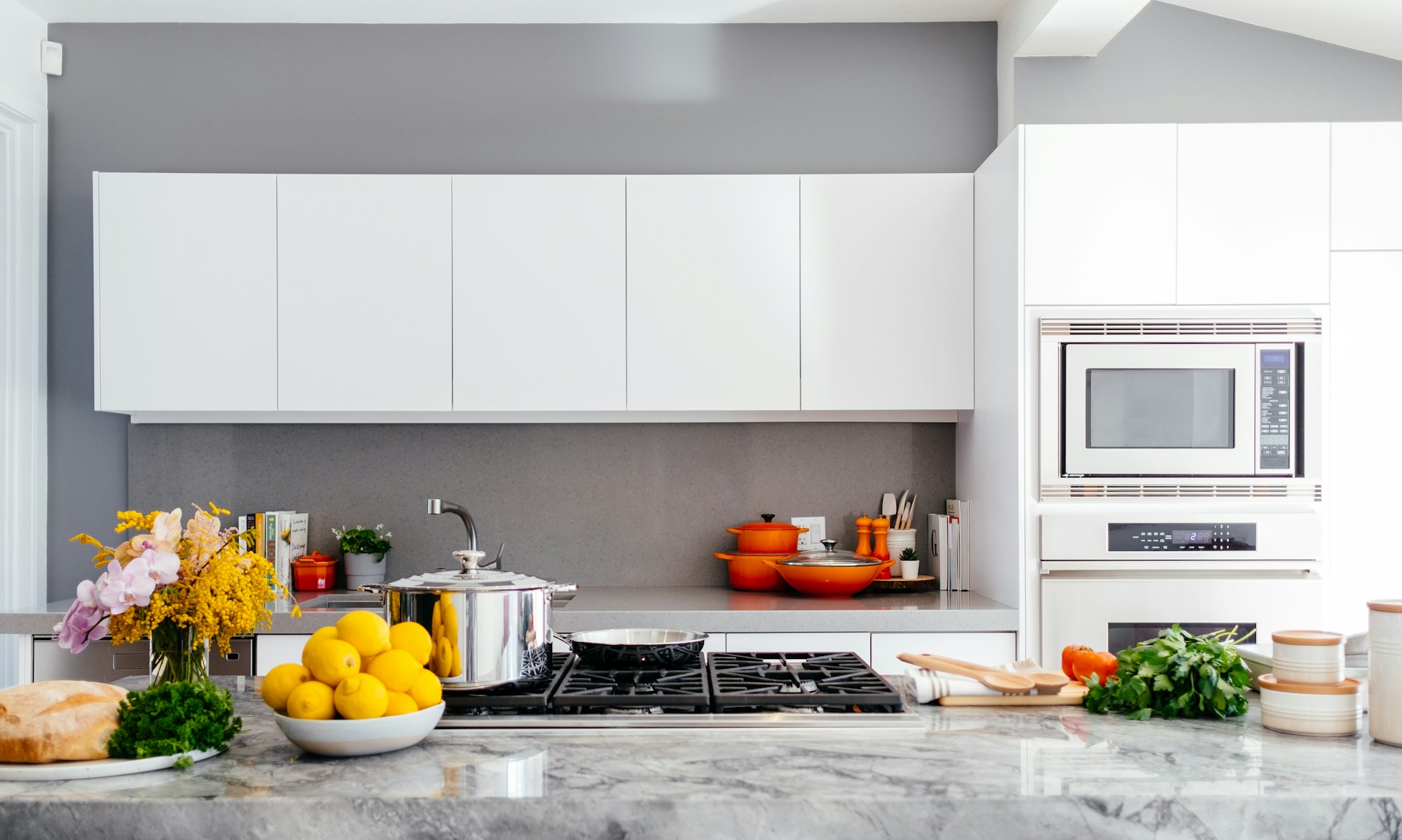
Dimmers and Flicker: The Renovation Detail That Saves Headaches
LED flicker usually comes from driver quality, dimmer incompatibility, poor load matching, or wiring problems. Renovation is the best time to prevent it.
Do not assume an old dimmer will work with new LED fixtures. LED loads are different from incandescent loads, and low-wattage fixtures can behave badly on dimmers designed for high-wattage lamps. Use LED-rated dimmers recommended by the fixture or bulb manufacturer. For recessed lighting, match the dimmer type to the driver: forward-phase, reverse-phase, 0-10V, DALI, or another control method depending on the fixture.
IEEE 1789 is the key reference for reducing health risks from modulated current in high-brightness LEDs. Homeowners do not need to calculate flicker percentage, but buyers should avoid mystery-brand fixtures with no driver specs, no dimmer compatibility list, and no warranty support.
Warning signs that deserve investigation:
- Flicker only when dimmed below 30%
- Lights pulsing when large appliances start
- Multiple rooms flickering at the same time
- Buzzing switches, warm dimmers, or inconsistent brightness
- Smart bulbs installed behind old wall dimmers
For a deeper troubleshooting guide, see [LED Flicker: Why Your Lights May Be Causing Headaches](/blog/led-flicker-headaches-how-to-fix).
Backup Controls: What Happens When the Internet Fails?
A smart lighting renovation should pass the “internet is down” test. If the router fails, the cloud is unavailable, or a phone battery dies, the main lights should still turn on.
The safest backup setup includes:
- Wall switches or smart dimmers that physically control the load.
- Local scenes stored on a hub, bridge, keypad, or controller.
- Clear labeling for multi-button scene controls.
- Separate control for safety-critical lighting such as stairs, entries, garages, and exterior doors.
- A documented reset process for future homeowners.
Avoid designs where a room's only control is a voice assistant or phone app. Voice control is convenient, but it should be an extra layer, not the foundation.
This is where smart switches often beat smart bulbs. A smart bulb needs constant power. If someone turns off a normal switch, the bulb becomes unavailable. A smart switch controls the circuit directly and can usually be pressed like any normal switch.
Renovation Checklist by Room
Kitchen
Use separate controls for ceiling lights, island pendants, under-cabinet strips, and dining/ambient lighting. Prioritize CRI 90+ for food prep and finishes. Under-cabinet LED strips should have accessible drivers and diffusers to prevent visible dots.
Bathroom
Use high-CRI lighting around mirrors and separate fan/light controls. Choose damp-rated or wet-rated fixtures where required. Motion sensors work well for night lighting, but keep manual override available.
Bedroom
Tunable white is worth considering here. Warm dim scenes around 2200K to 2700K are better for winding down, while brighter 3000K to 4000K light helps with dressing and cleaning. Bedside scene buttons are more reliable than requiring a phone.
Hallways and Stairs
Use sensors carefully. Lights should come on fast, not after someone is already halfway down the stairs. For safety zones, prioritize instant local control over fancy color effects.
Exterior Lighting
Use schedules tied to sunset and sunrise, but keep manual override for security and guests. Choose wet-rated fixtures and confirm the smart switch is rated for the load type and location.
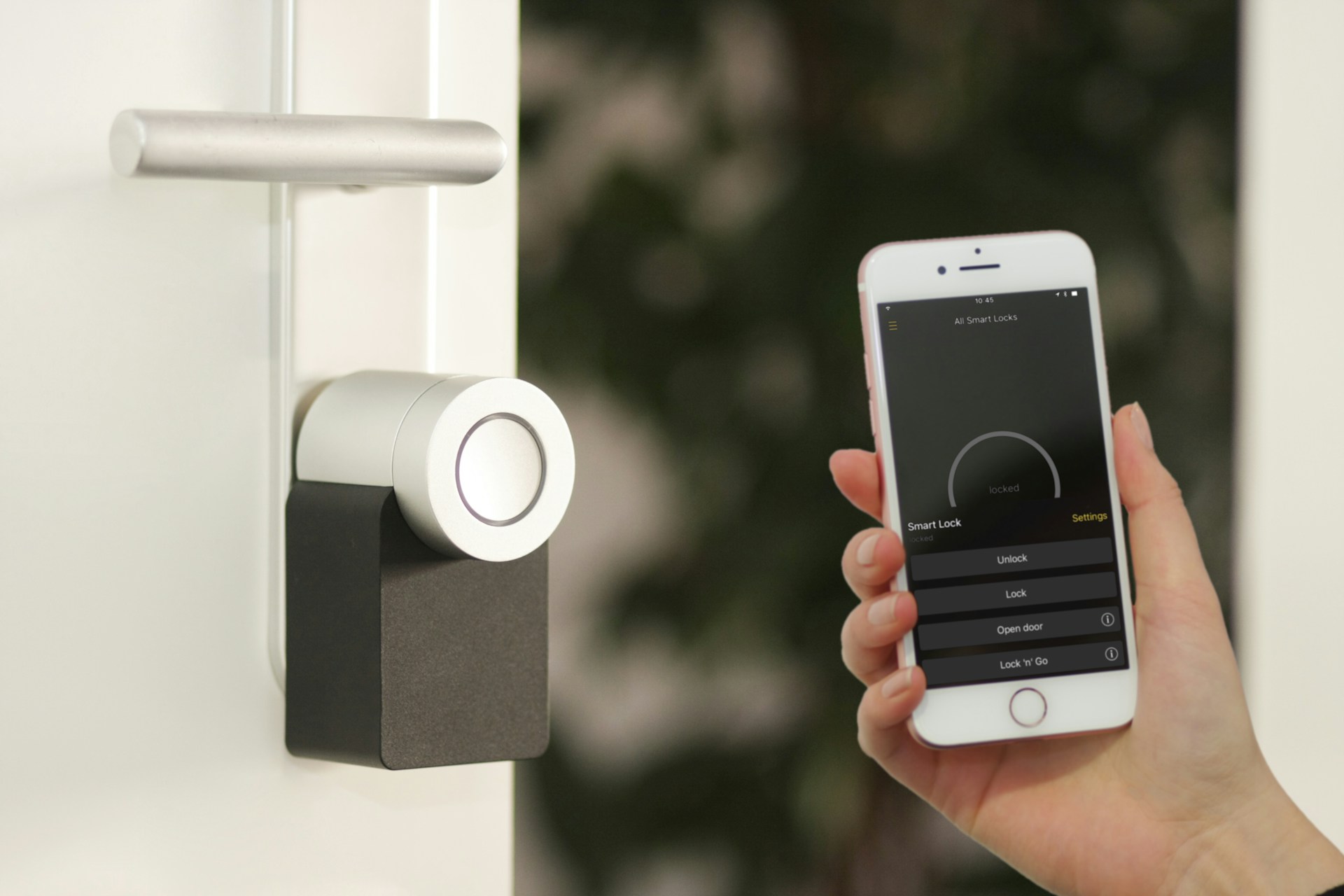
Energy Savings: What Smart Controls Actually Add
Replacing incandescent or halogen lights with LEDs creates the big energy savings. DOE guidance is clear: LED technology is the efficiency upgrade. Smart controls save energy by preventing waste.
The best energy-saving smart lighting uses are:
- Occupancy sensors in closets, pantries, laundry rooms, garages, and storage areas
- Sunset/sunrise schedules for exterior lights
- Dimming scenes in living rooms and bedrooms
- Vacancy sensors in bathrooms and offices
- Whole-home “all off” scenes by the exit door
Sources
- [ENERGY STAR: Light Bulbs](https://www.energystar.gov/products/light_bulbs)
- [U.S. Department of Energy: LED Lighting](https://www.energy.gov/energysaver/led-lighting)
- [IEEE Std 1789-2015: Recommended Practices for Modulating Current in High-Brightness LEDs](https://standards.ieee.org/standard/1789-2015.html)
FAQ
Should smart bulbs be left permanently powered?
Yes. Smart bulbs need constant power so they can receive commands, updates, schedules, and automations. If a wall switch cuts power, the bulb goes offline. That is why smart bulbs work best in lamps, accent fixtures, or circuits where the wall control is replaced with a smart switch, keypad, or bulb-safe controller.
When is a smart switch better than a smart bulb?
A smart switch is better for ceiling lights, recessed cans, hallways, bathrooms, exterior lights, and any fixture used by guests or family members who expect a normal wall switch. It keeps manual control available and prevents bulbs from being accidentally disconnected.
Is Matter better than Zigbee for smart lighting?
Matter is better for cross-platform compatibility. Zigbee is often better for large, reliable lighting networks, especially when managed by a strong hub such as Hue or SmartThings. During renovation, Matter-compatible switches and Zigbee lighting can both make sense if the system supports local control.
Do smart switches need a neutral wire?
Many do. Some no-neutral smart switches exist, but neutral wiring gives you more product choices and usually fewer compatibility problems. If walls are open during renovation, ask your electrician to bring neutrals to switch boxes.
Can smart lighting work without Wi-Fi?
Yes, depending on the system. Zigbee, Thread, Lutron, and some hub-based platforms can continue local lighting control without internet access. App control from outside the home may fail, but wall switches and local scenes should still work if the system is designed correctly.
Related Articles

Smart Ceiling Fan Light Control: Wall Switches vs Remotes for New Builds
Smart ceiling fan light control is easiest to get right before drywall closes. This guide explains when to wire separate wall controls, when a remote still makes sense, and how to avoid dimming, flicker, and smart-home headaches.

DALI-2 Smart Lighting Explained: What It Means for Modern LED Systems
DALI-2 smart lighting gives LED systems a more reliable way to handle dimming, sensors, scenes, emergency lighting, and building-wide control. Here is what buyers should know before choosing it over basic smart bulbs or switches.