Best Smart Lights in 2026: What Homeowners Should Upgrade First
The best smart lights in 2026 are not always the flashiest devices. Homeowners get better results by upgrading high-use rooms, wall controls, exterior schedules, and dimming quality before buying decorative extras.

Best Smart Lights 2026: The Short Answer
The best smart lights in 2026 are the ones that solve the rooms you use every day: kitchens, bedrooms, living rooms, entryways, bathrooms, garages, and exterior lights. Start with reliable LED bulbs, smart switches or dimmers for hardwired circuits, motion or door sensors where people forget lights, and schedules for outdoor fixtures. Save decorative panels, color strips, and entertainment effects for later.
Homeowners should upgrade in this order: high-use bulbs first, wall controls second, exterior and safety lighting third, then scene lighting and decorative accents. That sequence gives the biggest improvement in comfort, convenience, and energy use without turning the whole house into a troubleshooting project.
The U.S. Department of Energy says LED lighting uses at least 75% less energy than incandescent lighting and can last up to 25 times longer. ENERGY STAR is useful because certified bulbs meet tested performance requirements. IEEE 1789 matters because dimming and driver quality can affect flicker, comfort, and camera banding. A smart light is only a good upgrade if it is efficient, reliable, comfortable, and easy for the household to control.
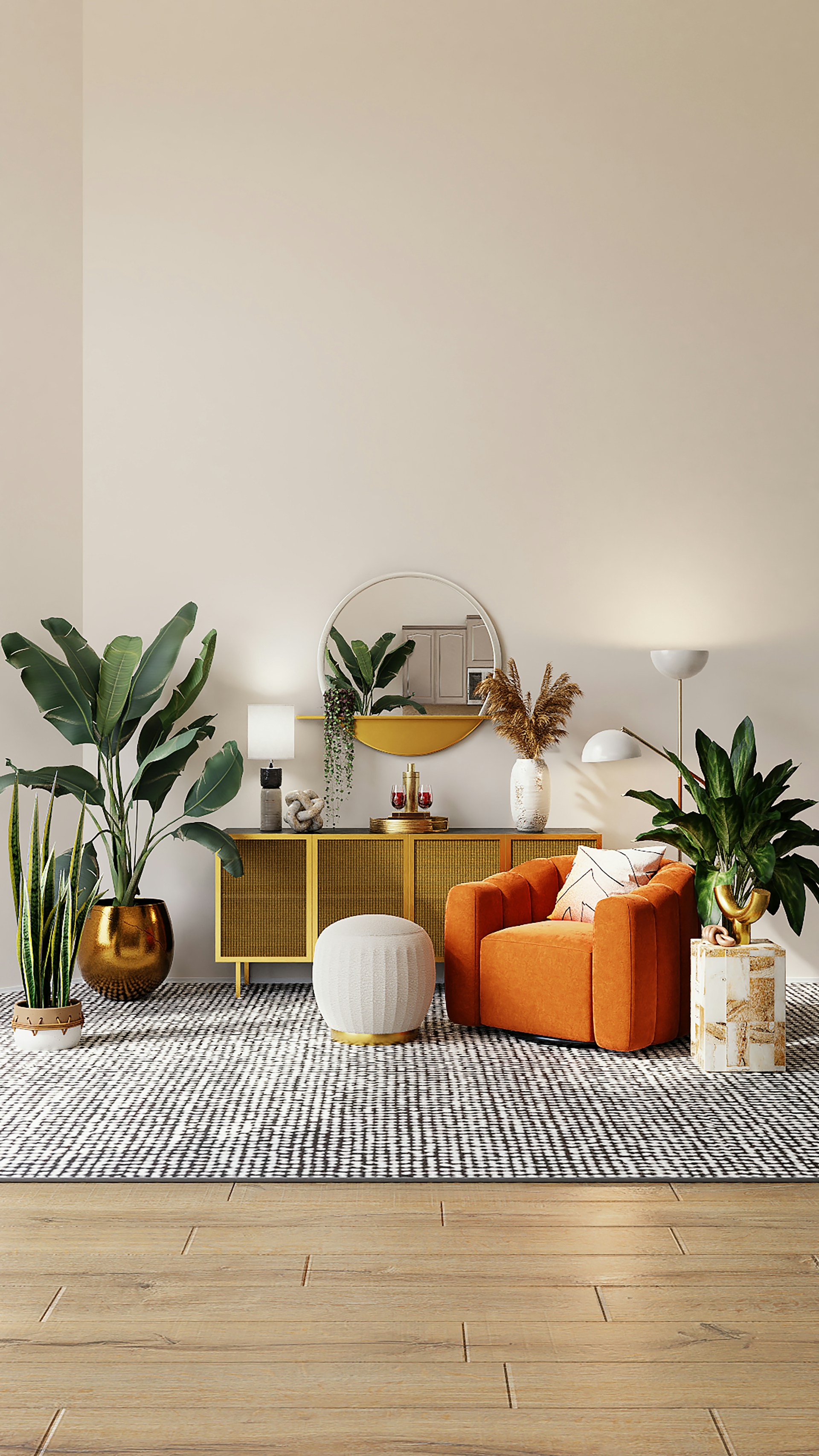
Upgrade 1: Replace the Lights That Run the Longest
Start with runtime. A kitchen ceiling light, hallway, porch fixture, bathroom vanity, garage light, and home office lamp usually matter more than a rarely used guest-room lamp. Every hour of use gives an efficient LED more chance to save electricity and reduce heat.
This is where many smart-light plans go wrong. People buy color bulbs for the fun rooms first, then leave older or poorly controlled lights in the places that run every day. The smarter move is to identify the ten fixtures with the most daily use and make those reliable, efficient, and pleasant before spending on decorative effects.
For simple lamps and open fixtures, ENERGY STAR certified LED bulbs are a strong default. Compare lumens, color temperature, dimming compatibility, and whether the bulb is approved for enclosed fixtures if needed. For recessed lights, check whether the trim, bulb, or integrated module is the better replacement. For garages, basements, and utility rooms, prioritize brightness, beam spread, durability, and clear color over app features.
If you want the math before buying, use our [LED lighting energy savings calculator](/blog/led-lighting-energy-savings-calculator-real-payback). The main point is simple: smart features are useful, but the biggest base savings still come from efficient LEDs in high-use locations.
Upgrade 2: Use Smart Switches Where People Expect Wall Control
Smart bulbs are excellent for lamps. They are weaker for ceiling circuits where everyone expects a wall switch to work. If a room has recessed lights, a ceiling fixture, or several bulbs on one circuit, a smart switch or smart dimmer is often the better upgrade.
A smart switch preserves normal behavior. Guests can turn the room on. Kids can use the switch. The lights do not go offline because someone cut power to the bulb. Voice control, app control, scenes, schedules, and automations become extra layers instead of the only way to use the room.
Before buying, check the wiring. Many smart dimmers require a neutral wire. Some older boxes do not have one. Also confirm that the dimmer is rated for LED loads and compatible with the bulbs or fixtures on the circuit. A switch that works with one LED may buzz, flicker, or fail to dim smoothly with another.
For ceiling fans and combined fan-light fixtures, be more careful. Fan motors need fan-rated controls, while LED lights need compatible switches or dimmers. Our guide to [smart ceiling fan light control](/blog/smart-ceiling-fan-light-control-wall-switch) explains why separating the fan and light load is worth planning before a renovation.
Upgrade 3: Fix Bedrooms and Bathrooms for Low-Light Comfort
Bedrooms and bathrooms are where low dimming matters most. A light that looks fine at full brightness can feel harsh at night or flicker badly when dimmed. The best smart lights in 2026 should support comfortable warm light, smooth low-end dimming, and predictable controls.
For bedrooms, use smart bulbs in bedside lamps or smart dimmers for ceiling lights. Warm color temperatures around 2700K to 3000K usually feel better at night. Tunable white bulbs can be useful if the same room is used for work during the day and sleep at night.
For bathrooms, focus on flattering, stable light. Color rendering matters near mirrors, makeup, grooming, and clothing. Avoid random ultra-cool bulbs that make skin tones look flat. If the bathroom has a fan, heater, mirror light, and ceiling fixture, label controls clearly and keep the daily switch layout obvious.
IEEE 1789 is the reason flicker belongs in the buying conversation. You do not need to study the standard to make a better purchase. You do need to test dimming, look for visible shimmer, check for camera banding on video calls or mirror lighting, and avoid low-quality drivers in rooms where people spend time under dimmed LEDs.
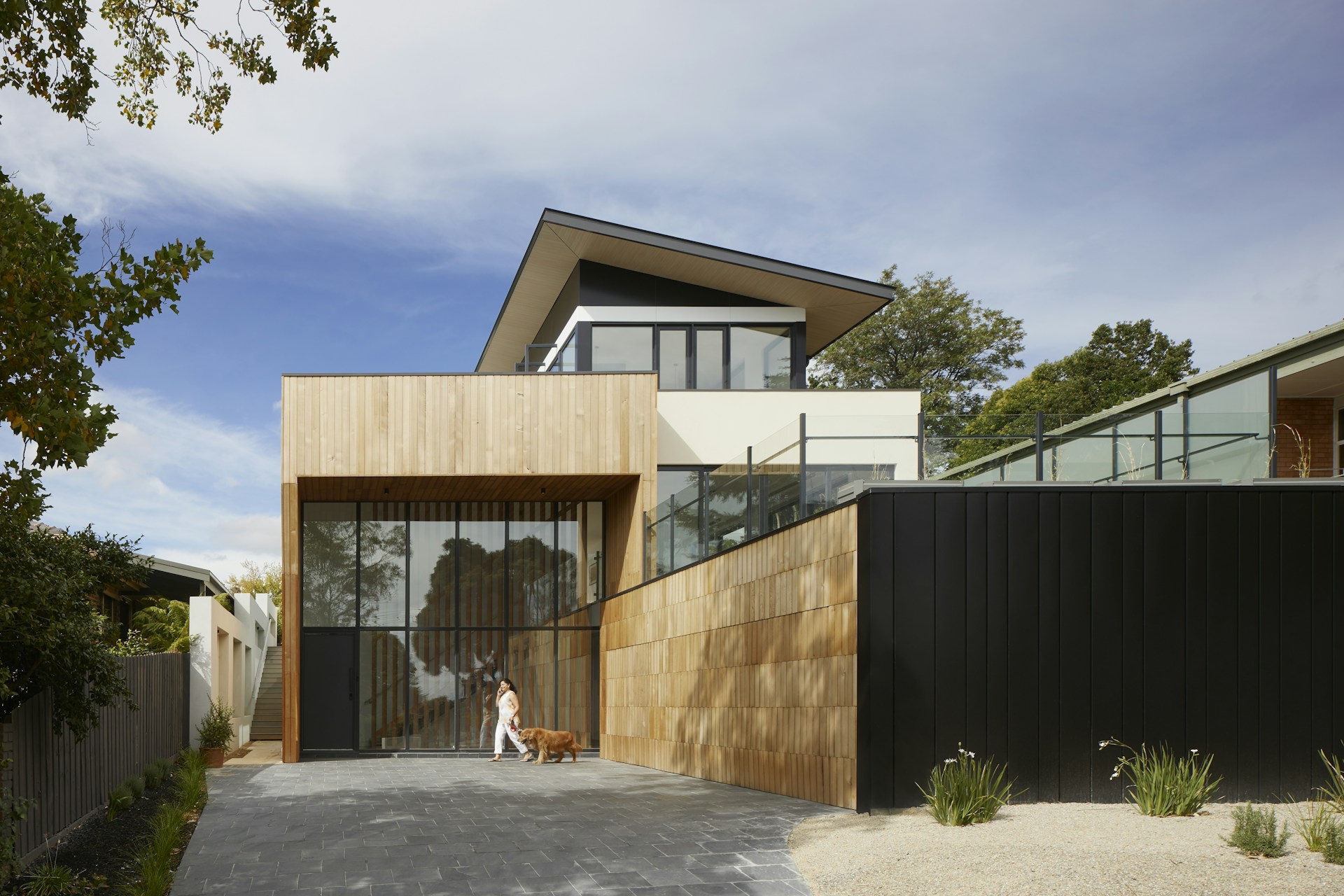
Upgrade 4: Add Outdoor Schedules and Sensors
Exterior lighting is one of the easiest places for smart control to pay off because schedules are predictable. Porch lights, garage sconces, side-yard fixtures, path lights, and security lights can turn on at sunset, dim later in the evening, and turn off at sunrise. That prevents the common waste of lights running all day because nobody noticed.
Outdoor smart lighting should be practical first. Use products rated for the location. Damp and wet ratings matter. Do not put indoor bulbs in exposed fixtures. Check whether the fixture is enclosed, whether the bulb can handle temperature swings, and whether Wi-Fi or hub coverage reaches the area.
Motion sensors can help with security and energy use, but they need careful placement. A sensor pointed at a busy sidewalk, tree branch, street, or neighbor's driveway may trigger constantly. A sensor hidden too tightly may miss the person approaching the door. Test at night, not just during installation.
Upgrade 5: Choose Matter and Thread When They Reduce Lock-In
Smart-light compatibility is better than it used to be. Matter can make basic control easier across Apple Home, Amazon Alexa, Google Home, Samsung SmartThings, and Home Assistant. Thread can improve responsiveness in the right setup when the home already has border routers placed well.
Still, do not buy by logo alone. Some products expose basic on, off, dimming, and color through Matter but keep special scenes, adaptive effects, firmware settings, or advanced behavior inside the brand app. That may be fine. It just should not surprise you after installation.
Wi-Fi bulbs are still fine for a few lamps. They are simple and inexpensive. But filling a large home with dozens of cheap Wi-Fi bulbs can create network headaches. For a bigger plan, use a mix of smart switches, reliable protocols, and fewer devices per room.
Our [Matter smart lighting guide](/blog/matter-smart-lighting-2026-bulbs-switches-hubs) goes deeper on platforms, hubs, bridges, Thread, and what still breaks. For most homeowners, the rule is to buy the device that keeps the room easy to use even when an app, hub, or internet connection is having a bad day.
Upgrade 6: Use Scenes After the Basics Work
Scenes are where smart lighting starts to feel finished. A living room can have bright cleaning light, softer evening light, a TV scene, and a reading scene. A kitchen can use task brightness while cooking and lower warmer light after dinner. A hallway can run dim overnight instead of blasting full brightness.
But scenes should come after the core controls work. If the wall switch is confusing, the dimming is poor, or half the bulbs are offline, scenes only add complexity. Build reliable layers first: efficient LEDs, working switches, stable network, good dimming, clear room-by-room behavior.
For broader planning, compare this article with our [best smart lights 2026 buying guide](/blog/best-smart-lights-2026-what-changed) and our guide to [smart lighting automations that lower bills](/blog/smart-lighting-energy-savings-automations-lower-bill).
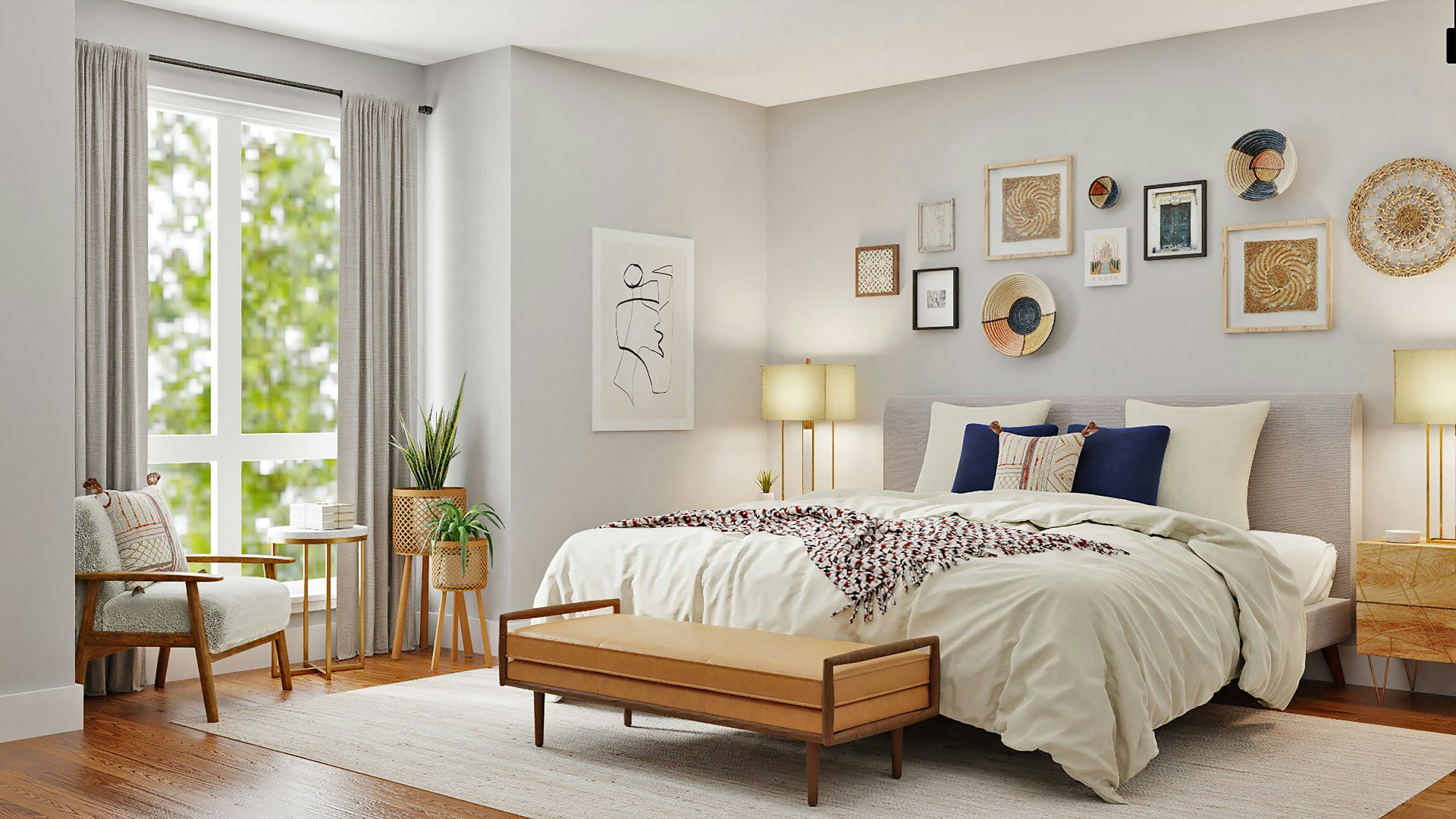
What to Avoid When Buying Smart Lights
Avoid buying every device from the cheapest listing. Low-cost smart bulbs can be fine, but the risk is inconsistent color, weak dimming, short support life, app problems, poor documentation, and flicker. A few dollars saved per bulb is not worth replacing the same product twice.
Avoid mixing too many color temperatures in one room. A kitchen with warm pendants, cool cans, blue-white under-cabinet strips, and random color bulbs can feel messy even if every device is technically efficient.
Avoid app-only control for core rooms. A home should not require a phone to turn on a bathroom, hallway, kitchen, or bedroom light. Local controls matter.
Bottom Line
The best smart lights in 2026 are practical upgrades first and decorative upgrades second. Replace high-use lights, preserve wall control, improve bedrooms and bathrooms, schedule exterior fixtures, choose Matter or Thread where they reduce lock-in, and add scenes only after the room works normally.
Use DOE guidance as the efficiency baseline, ENERGY STAR as a tested product filter where it applies, and IEEE 1789 as a reminder to take dimming and flicker seriously. A good smart-light plan should make the home easier to live in, lower waste, and still feel simple when someone just wants to flip a switch.
Sources
- [U.S. Department of Energy: LED Lighting](https://www.energy.gov/energysaver/led-lighting)
- [ENERGY STAR: Light Bulbs](https://www.energystar.gov/products/light_bulbs)
- [IEEE Std 1789-2015: Recommended Practices for Modulating Current in High-Brightness LEDs](https://standards.ieee.org/standard/1789-2015.html)
FAQ
What smart lights should homeowners upgrade first in 2026?
Upgrade high-use lights first: kitchens, bedrooms, bathrooms, hallways, home offices, garages, and exterior fixtures. Then add smart switches, sensors, schedules, and decorative scene lighting.
Are smart bulbs or smart switches better for most homes?
Smart bulbs are best for lamps, rentals, color scenes, and accent lighting. Smart switches or dimmers are usually better for ceiling lights and hardwired circuits where people expect wall control.
Do smart lights save energy?
They can. Efficient LEDs provide the base savings, while schedules, sensors, dimming, and automations reduce wasted runtime. Smart lights do not save much if they encourage more lights to stay on longer.
Is Matter important for smart lighting in 2026?
Matter is useful when you want cross-platform control and less ecosystem lock-in. It improves basic compatibility, but buyers should still check which features work in their preferred app.
Why do some smart lights flicker when dimmed?
Flicker usually comes from driver quality, dimmer mismatch, control settings, or low-quality LED electronics. Test the exact bulb, fixture, and control before upgrading the whole room.
Related Articles

Best Smart Lights in 2026: What Changed and What Still Matters
The best smart lights in 2026 are easier to mix across platforms, but buyers still need to check brightness, Matter support, dimming quality, standby power, and how each room will actually be controlled.

LED Lighting Facts for 2026: What Buyers Should Check Before Upgrading
LED lighting facts can get buried under marketing claims. This practical guide explains the specs that matter before an upgrade: lumens, watts, efficacy, color temperature, CRI, dimming, flicker, lifetime, controls, and efficiency certifications.